Spreadsheets carry a trade company further than most people expect, and then one week they stop. This guide comes from the developer's side of that moment. SENAVIA builds GQM Connect, which runs the operations of a general and roofing contractor in South Florida, and the same warning signs tend to appear when a business outgrows its files. Below: how to spot them, what each person sees, what a portal costs and how to reach one from your current website. If you only need a site that gets you invited to bid, our page on subcontractor website design is the better starting point.
What signs show that a spreadsheet no longer works?
The signs usually arrive together: one job lives in several places, crew leads keep texting to ask where to go, invoices drift away from payments, and expired documents surface only when someone asks for them. Any one of them is an annoyance. Two or three at the same time usually mean the file has become the bottleneck.
- The same job appears in three places. The estimate sits in one file, the schedule in a chat thread, the photos on somebody's phone. Each copy drifts, and the office spends its mornings working out which one is right.
- Crew leads call or text for the address. If the first thing a lead does at dawn is ask what the job is and where it is, the answer should already be on their phone, limited to their own work.
- Invoices and payments do not line up. An invoice goes out, a partial payment arrives, a change order is added later, and nobody can say with confidence what is still owed on that job.
- Expired documents go unnoticed. A license or a certificate of insurance lapses and the first person to notice is a general contractor (GC) deciding whether to send you plans.
What does each role see in a portal?
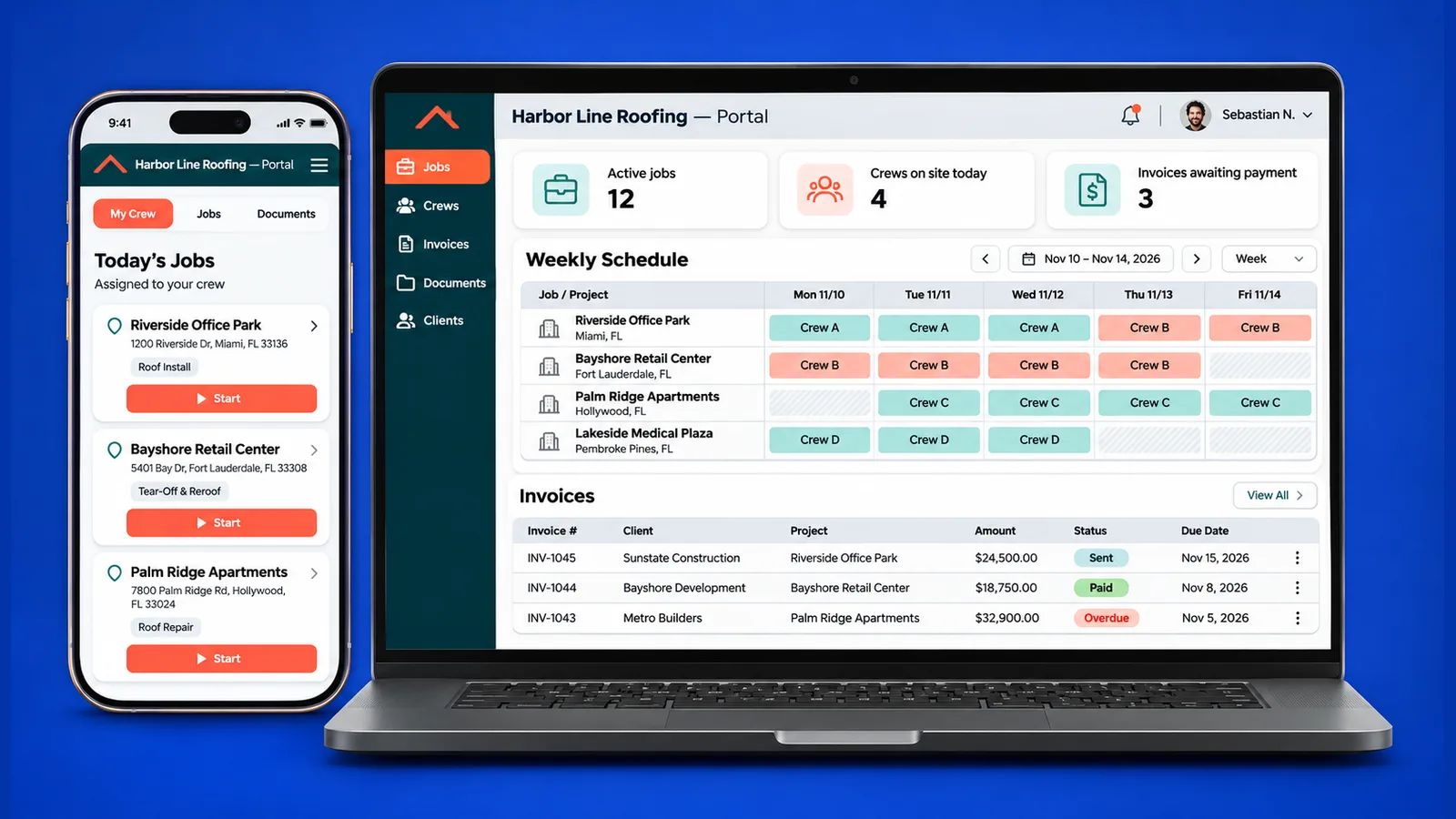
In a portal everyone signs in and lands on their own view. The owner sees the whole business, the office sees every job and its money, a crew lead sees only the work assigned to them, and a client or GC sees the progress and documents meant for them. Nobody browses through someone else's records.
GQM Connect shows the pattern. The GQM Connect case study covers the admin panel of a general and roofing contractor in South Florida. There, office staff work from a dashboard and a registry of every job, while subcontractors and technicians who enter through the same sign-in get a narrower portal of their own assignments. Permissions are written per role and per module, so changing what a role may do is an edit inside the panel. The screens on that page use sample data, because the live panel is private.
In a portal built for your company, you define the roles. A typical set for a trade business:
- Office: estimates, purchase orders, invoices, payment status and documents.
- Crew lead: today's jobs, tasks, photos and notes, nothing about pricing unless you decide otherwise.
- Client or GC: status of their own work and the files you choose to share with them.
What does a subcontractor portal cost and how long does it take?
SENAVIA's Corporate Portal Suite starts at $9,475 and takes 3.5 months, according to the pricing page. That is a starting price. The final quote depends on how many roles you need, which fields each job carries and which systems the portal has to talk to.
In plain terms, the package covers what makes a portal a portal: accounts for your clients and team, a rule that each person sees only their own material, a private dashboard for records and follow-up, a link to your existing CRM, a members-only library for clients and website pages you manage yourself. Payments, accounting sync and a KPI dashboard are add-ons, quoted separately.
Much of that time goes to decisions, not code: what a job record holds, who approves what, how your files move over. For the cheaper packages, read our guide to subcontractor website cost in South Florida.
Not sure whether you need a portal or only a better site? Book a free 30-minute call and bring a sample of today's spreadsheet.
Is a custom subcontractor portal better than subscription software?
Neither is right for everyone. Subscription software is quicker to start, with nothing to build. A custom portal makes sense when your way of working differs from the template. A few questions settle it.
- Who owns the data? With your own portal, the records sit in a database set up for your company, and you decide how they are exported or moved.
- Who decides the fields? If your jobs need fields a template does not have, such as how you tag a job type or how you split an invoice, a custom build lets the form follow your process instead of the reverse.
- How many people will sign in? Count the crew leads, office staff and clients who need an account; a tool priced per user and a portal built once behave differently as that list grows.
- Does it talk to your website? A portal that shares a domain and a sign-in with your site, and receives requests from its forms, avoids retyping. Not every standalone tool does.
If a ready-made tool already fits your process, use it. If you keep bending your process around it, that is the moment to look at admin panel development built around your own data.
How do you move from a website to a portal without starting over?
Keep the website. A portal can live on the same domain, behind a sign-in, so clients and crews reach it from the address they already know. Your bid request form can feed the panel directly, so a request becomes a job record instead of an email somebody retypes.
A sensible order looks like this:
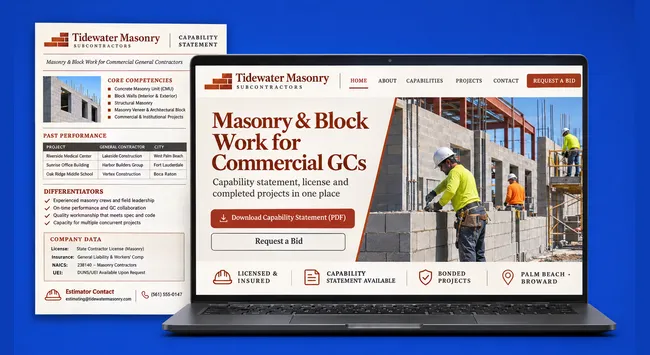
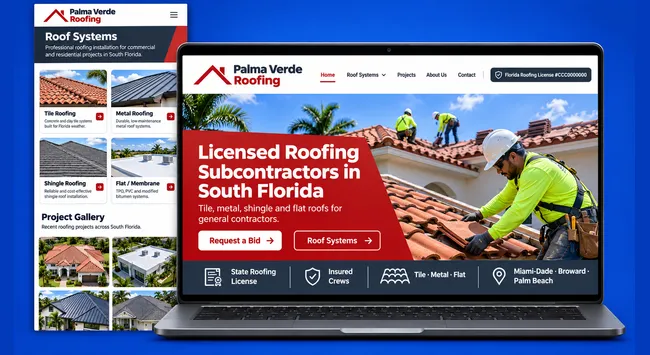
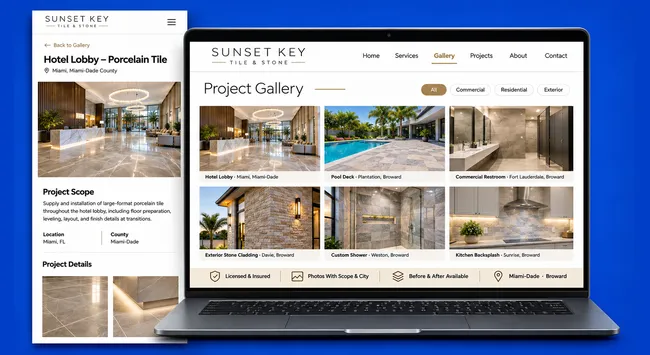
- Get the site doing its job first. License and insurance visible, finished work shown, a way to ask for a bid. Our notes on getting more bid invitations cover that stage.
- Connect the form to a record. A bid request form that accepts plans can already collect scope, deadline and files. In a portal those arrive as a job the estimator opens, rather than a message in an inbox.
- Add one role at a time. Start with the office and the crew leads, where the daily pain is, then open it to clients or GCs.
- Bring the old files across once. Pick a date, import what matters, retire the spreadsheet.
Location rarely changes the plan. We work the same way for companies we meet through web design in Miami and web design in Pompano Beach, since the portal runs on the web and your crews can be anywhere.
What else do people ask about a subcontractor portal?
Can a crew lead use it from a phone on the job?
It should be built for that. A crew lead rarely sits at a desk, so the portal lists their jobs and tasks in a layout made for a small screen. The GQM Connect case study shows the panel's totals stacking into cards on a phone, with sample data.
Do we have to drop our current tools on day one?
No. A portal can sit beside the system you use now and exchange records with it, which is how GQM Connect works with its client's existing workspace. You move over at a pace the office can absorb, and the old files are retired once the new record is trusted.
Who can see my invoices and documents?
Only the people you give an account, and only the parts their role allows. Because access is set per role, you can keep invoices away from crew leads and show each client only their own job. You can change a role's access later without rebuilding anything.
If those signs sound familiar, the next step is a talk about your jobs, crews and paperwork: book a free 30-minute call and we will sketch what a portal would hold for you and for the crews who make it real.