GQM Connect — Contractor management software development for a Florida general contractor
GQM Connect is the operations panel SENAVIA develops for GQM, a Florida general and roofing contractor. This contractor management software keeps every job, its pricing, tasks, purchases and team in one place, syncs with the company’s Podio workspace, and gives subcontractors and technicians a portal limited to their own work.

What did SENAVIA develop for GQM Connect?
GQM Connect is the private operations panel of GQM, a licensed general and roofing contractor in Florida. Office staff use it to run each job from the first quote to the last payment, and subcontractors and technicians use it to see the work assigned to them.
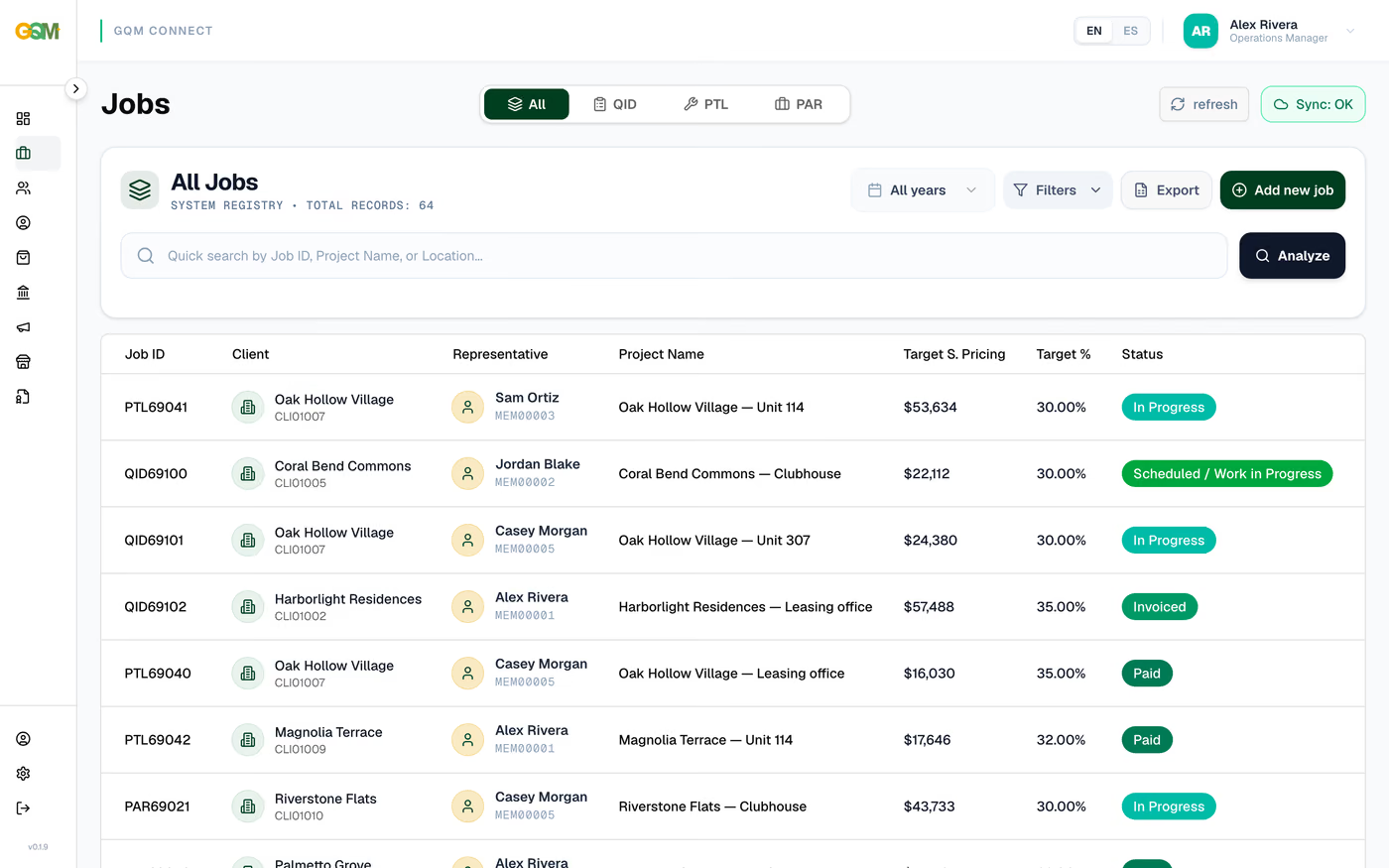
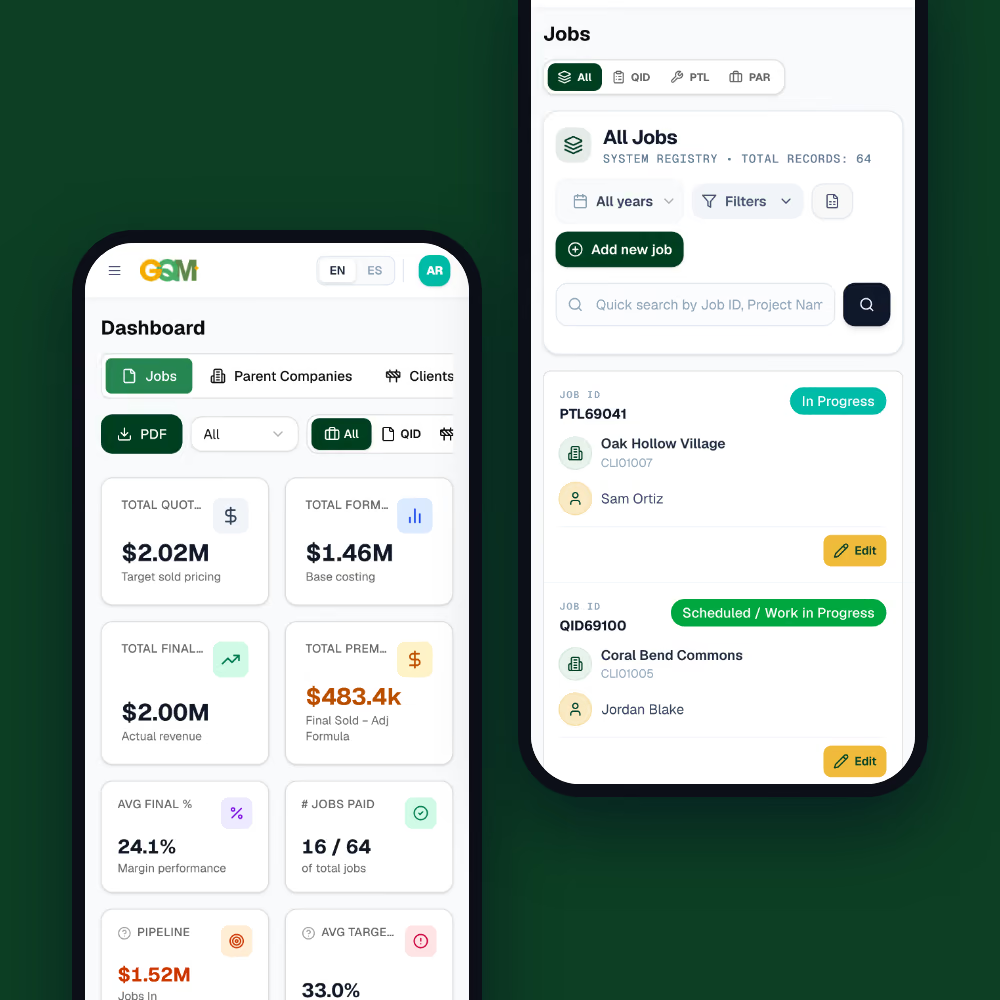
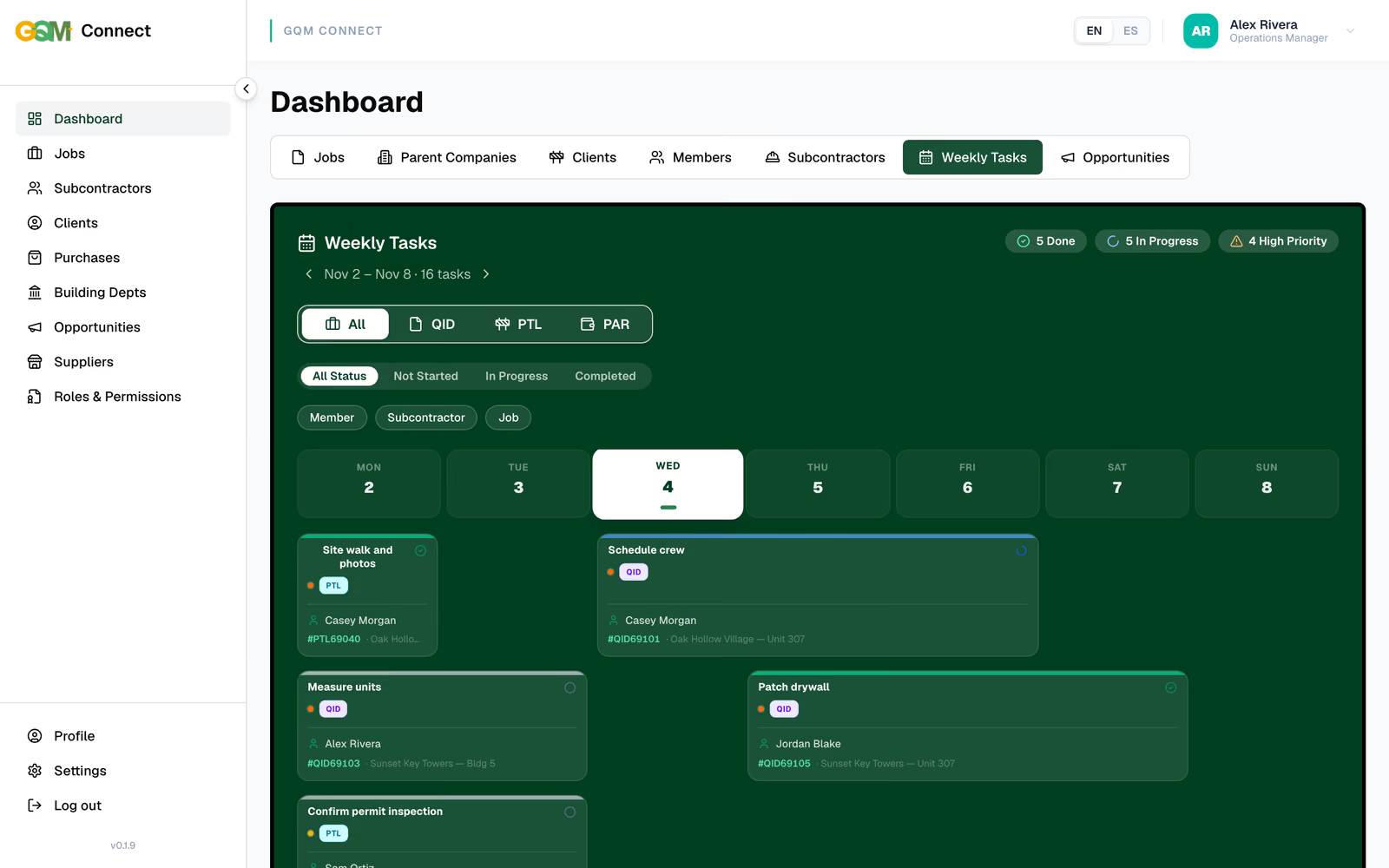
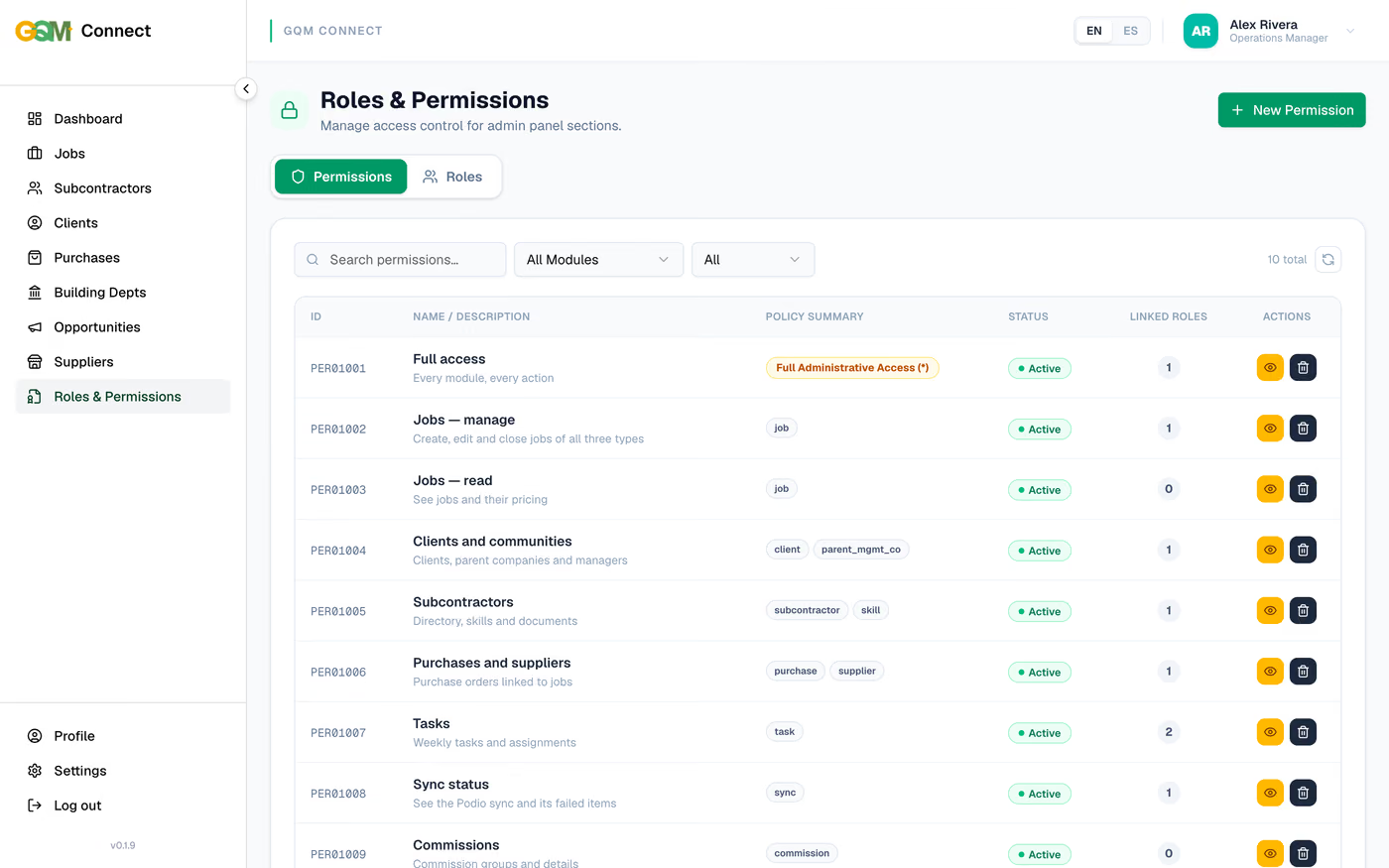
Senavia Corp develops the panel and its API: a dashboard with job metrics by type and year, the jobs registry, job files with estimates, purchase orders, change orders, documents, tasks and a logbook, weekly tasks, roles and permissions, and a two-way sync with the company’s Podio workspace. It is a Next.js web app over a Python API and a PostgreSQL database, in English and Spanish.
What does a visitor to gqmconnect.com see?
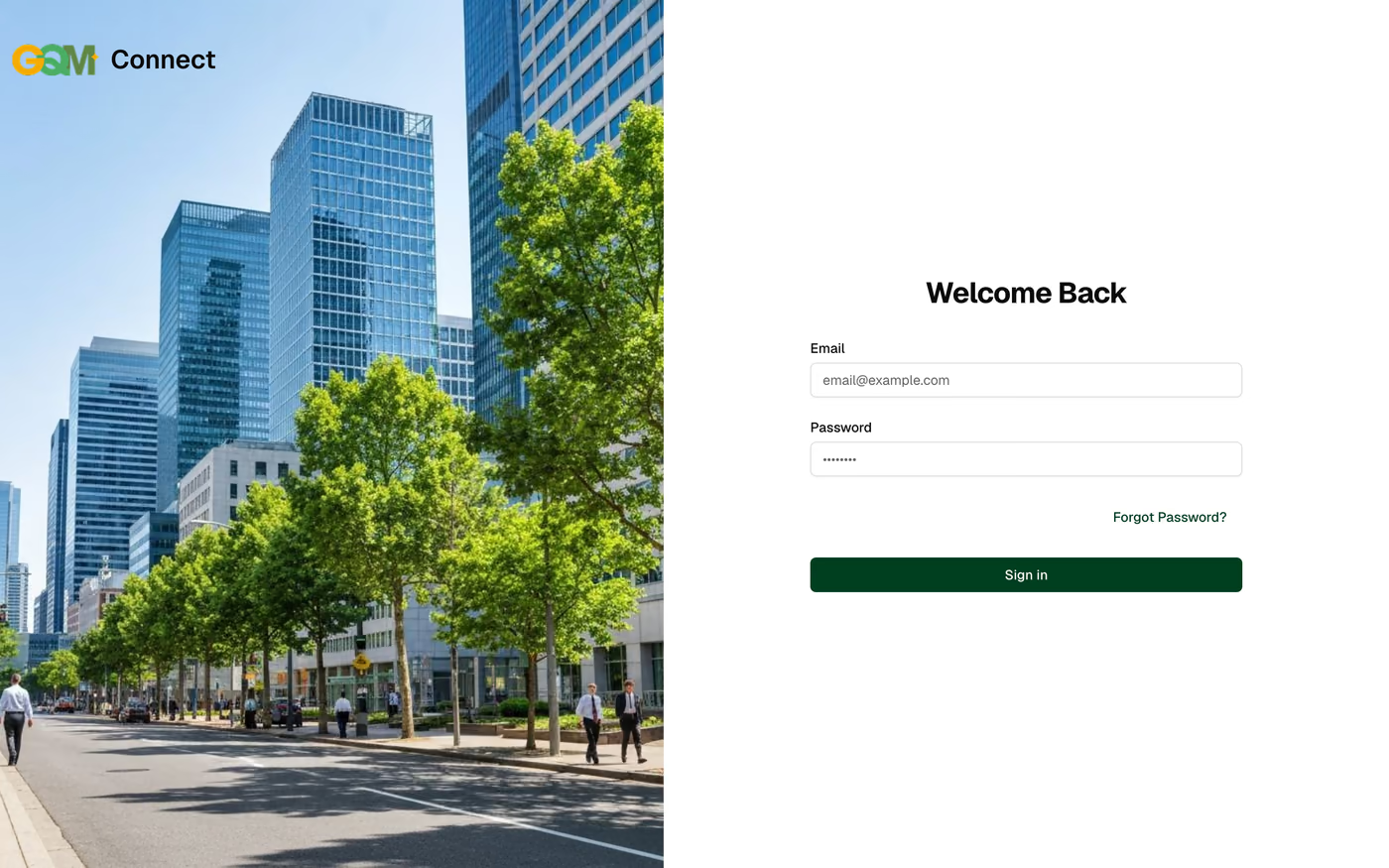
On November 4, 2026, gqmconnect.com sent visitors straight to its sign-in screen, headed Welcome Back
, with email and password fields and a Forgot Password?
link.
Everything past that screen is GQM’s own business: clients, subcontractors, jobs and money. So the screens on this page come from the same app run with invented sample data. No name, job number or amount in them is real.
What does a contractor need from its own operations software?
A contractor running dozens of jobs at once needs one record per job that the office, the field and accounting all trust: who sold it, what it was quoted at, what it costs, who is doing the work and what is still open. GQM Connect is built around that record.
Each job carries its type (QID, PTL or PAR), the client community, the team, the estimate, purchase orders, change orders, documents, tasks and a logbook of what changed. The dashboard adds it all up by type and year, from monthly totals to the open quotes of each member, and exports a PDF report.
How does the panel work alongside Podio?
GQM already ran its work in Podio, so the panel was built to live next to it rather than replace it overnight. A job created or edited in either place reaches the other, and a sync status in the panel lists any item that failed to arrive, so nobody has to guess.
The pricing fields marked with a lock are calculated on the server from estimate costs, orders, purchases and change orders, instead of being typed by hand on each job.
Who sees what inside GQM Connect?
Access follows four roles: Full Admin, GQM Member, Subcontractor and Technical. Each role is a set of permissions written as policies per module, so changing what someone can do is an edit in the panel, not a code change.
Subcontractors and lead technicians sign in at the same address but land in a portal that lists only the jobs and tasks assigned to them, while the office keeps the full dashboard. The whole interface switches between English and Spanish.
Where to go from here?
When a business has outgrown spreadsheets and off-the-shelf tools, this is the kind of build behind our custom web application development, and the same approach shapes the admin panels we build around a company’s own data. The public website we made for the same client is in the GQM website case study, and the trade companies on the other side of a portal like this one have a website plan built for subcontractors. To scope something similar, start with our project pricing.
See every project in the South Florida web design portfolio.
GQM
Website for a licensed Florida general and roofing contractor serving property portfolios, with commercial service pages, project results and a Spanish version. Aluminum contractorAB Aluminum & Screens
Professional website for a Miami pergola and screen enclosure contractor targeting homeowners across Miami-Dade, Broward & Palm Beach. Pool builderMr & Mrs Outdoor Living
Premium website for a licensed Florida pool builder featuring 3D design visualization, luxury project gallery, and a lead capture funnel.Support Staff Solutions USA
Corporate website for a U.S. staffing agency showcasing temporary, temp-to-perm, and direct hire workforce solutions for businesses. Next projectChamakos Grooming
E-commerce store for a barber-approved men's grooming brand selling shaving solutions, straight razors, and professional barber tools.Like What You See? Let's Talk.
Schedule your free 30-minute consultation and we'll plan a project worth showcasing.
(954) 706-4084