Real-Time KPI Dashboard
Live stat cards and charts that surface the metrics driving your business at a glance.
Custom admin panel development builds the private screen your team runs the business from: live KPI cards, searchable tables, filters, approvals and reports, with each user seeing only what their role allows. SENAVIA designs it on top of the data you already have — CRM, accounting, spreadsheets — so it replaces open tabs instead of adding one.
Book a Free Call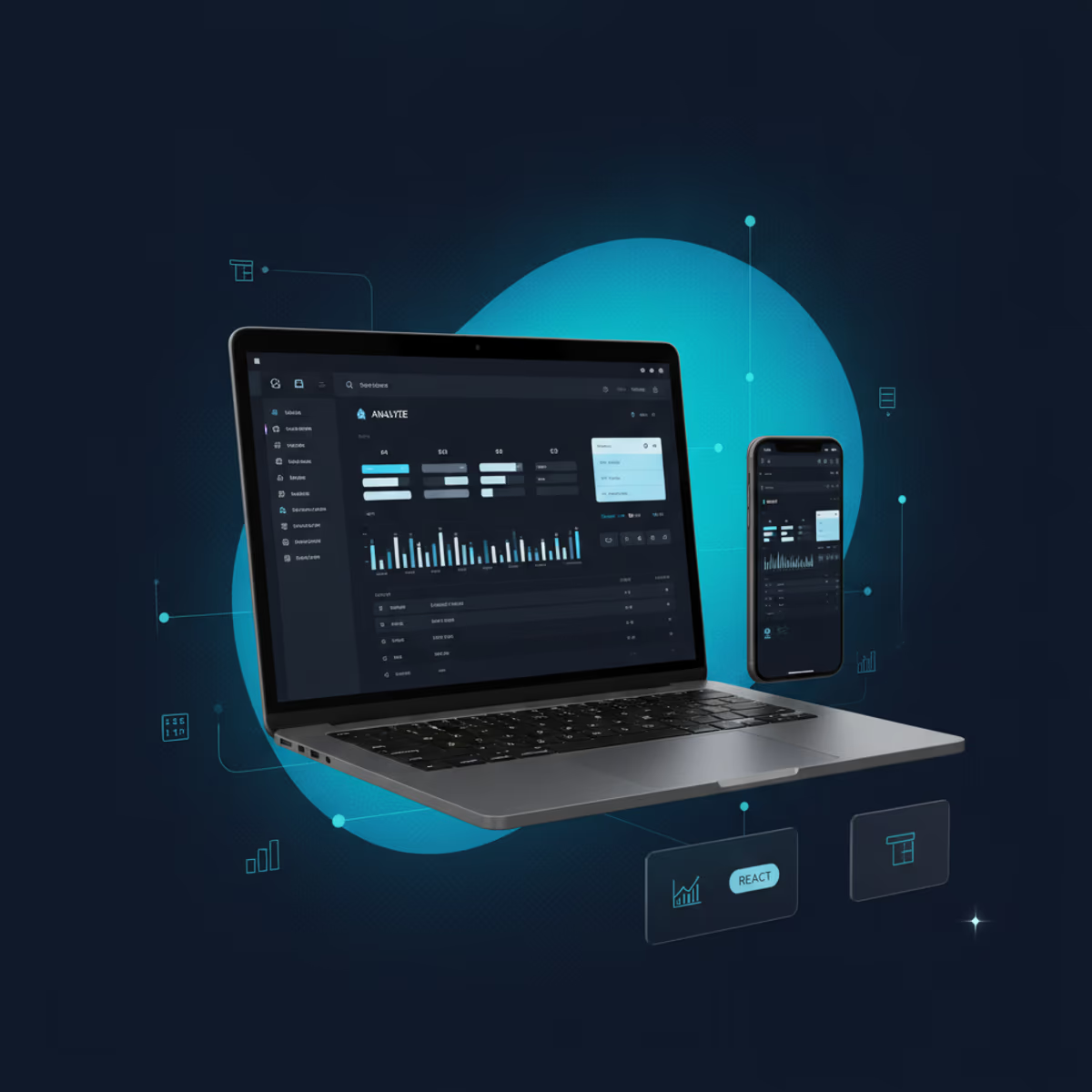
When your team runs the business from spreadsheets and scattered tools, decisions get slow and data gets stale. SENAVIA builds custom admin panels for companies across Miami-Dade, Broward, and Palm Beach — dashboards with live KPI cards, sortable data tables, filters, and reports that put the numbers your team needs on one screen.
As a bilingual EN/ES team, we design role-based panels so each user sees exactly what they should — owners see the whole picture, staff see their tasks. Clean engineering on a modern stack means the panel stays fast and reliable as your data grows.
Schedule a Free Consultation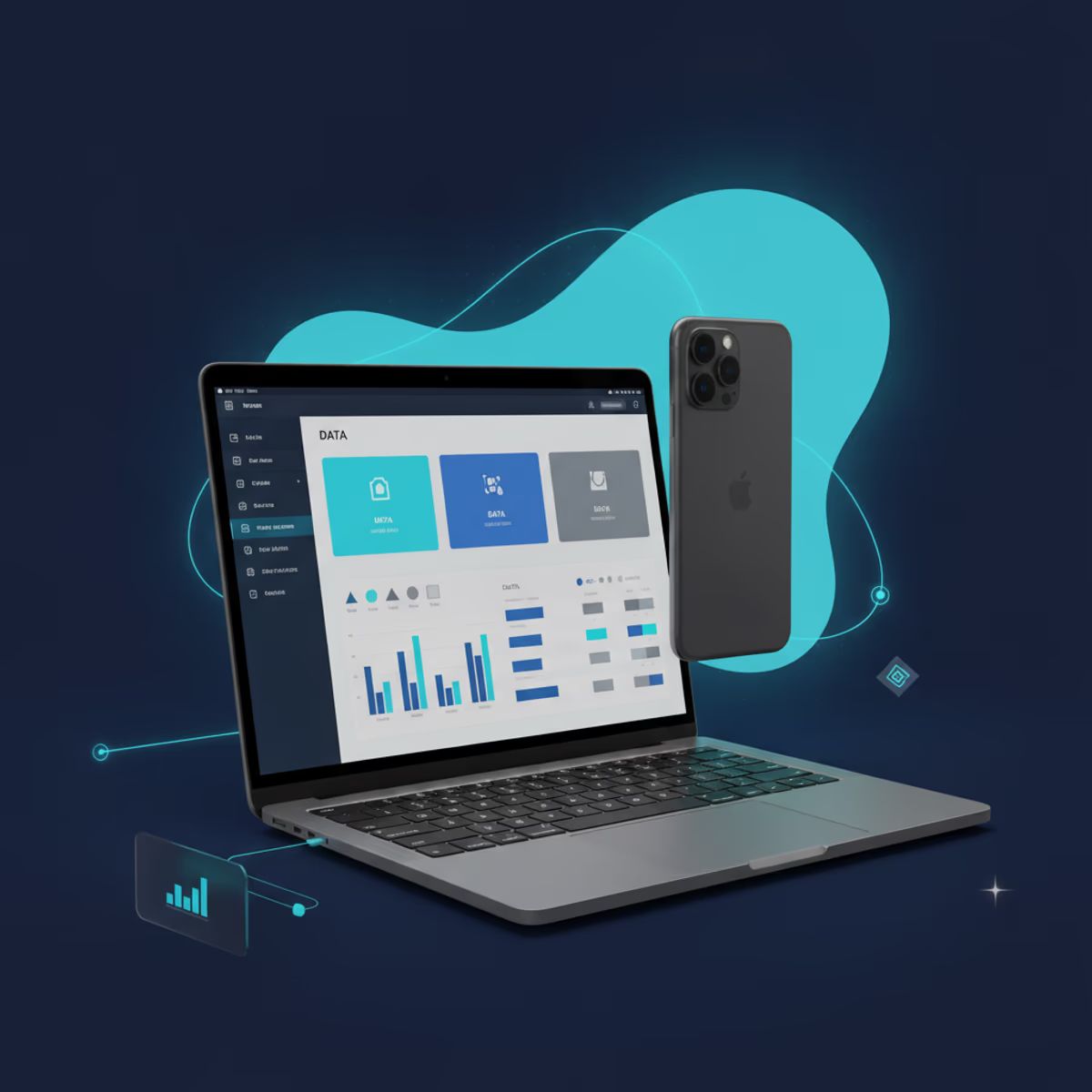
Start from the decisions, not the widgets. A useful panel shows the handful of numbers someone acts on every day, lets them find and correct a record quickly, and keeps track of who changed what. Typical modules: KPI cards, filterable tables, approvals, role-based access, an audit log, and CSV or PDF exports.
A panel is only as current as its data, so most projects include connections to the CRM, accounting or ERP behind it through API integrations. If the panel needs its own records and workflows rather than reading other systems, it is closer to a custom web app, and we scope it that way. A trade company that sends crews to job sites usually needs a field version of it: a portal for subcontractors and their crews.
Low-code builders such as Retool are quick for an internal prototype and fine for a small team. Build custom when the panel faces clients or many staff, needs fine-grained permissions, must stay fast on large tables, or when per-user pricing on a builder would cost more over time than owning the code outright.
We will tell you if a builder is enough. When it is not, we design the panel with the people who will use it, build it in React and Node.js, and hand it over with documentation. Keeping long tables responsive is mostly front-end discipline; our article on speeding up React interfaces covers the techniques we apply.
Scope sets the price: the number of modules and roles, the data sources it reads and writes, and how much reporting it needs. We map that during discovery and quote in writing. The closest packaged version we publish is the private records dashboard inside our Corporate Portal Suite; a standalone panel is quoted on its own.
Most panels ship in two steps: a read-only dashboard that settles which numbers matter, then editing, approvals and exports. When a panel starts managing inventory, finance and staff in one place, it is turning into an ERP system, and planning for that early is cheaper. It all sits within our web and software development practice.
Live stat cards and charts that surface the metrics driving your business at a glance.
Sortable, searchable, filterable tables so your team finds and edits records fast.
Role-based access so each person sees only the data and controls they need.
Custom reports and CSV/PDF exports built around the numbers you actually track.
Panels tailored to your operation — finances, inventory, jobs, or whatever you run on.
KPI cards and tables are chosen from the decisions your team makes, not from a dashboard kit.
Replace scattered spreadsheets with a single panel your whole team trusts.
Panel labels, exports and training in English and Spanish, so warehouse and office staff read the same numbers the same way.
Granular permissions keep sensitive data visible only to the people who should see it.
Engineered to stay responsive as your records and users multiply.
Maintenance, monitoring, and new panels as your operation evolves.
A website is public and informational; an admin panel is a private tool your team signs into to manage records, watch KPIs and run daily operations. Visitors never see it, and access is controlled per role.
Yes. We read from your CRM, accounting or database through their APIs, so each KPI card shows the same figure as the source system instead of a copy exported last week.
No. You own the code, so adding people changes nothing on the bill except, at larger scale, hosting capacity. That is often the deciding factor against per-seat dashboard tools.
Yes. We can keep an audit log of edits, approvals and exports with the user and time, which helps with accountability and with tracing a wrong figure back to its source.
Custom web application development in Florida: client portals, internal tools, booking systems on Node.js and React, built in Plantation, FL. You own the code.
Learn more →Custom ERP development in Miami and South Florida: inventory, finance, operations and HR in one modular system built around your process, with code you own.
Learn more →30 minutes, no commitment. Show us the spreadsheets and reports your team checks every morning and we will outline the panel that replaces them.
An admin panel runs out of sight, so here is the visible half of the work: websites we have launched, the public side of what a panel manages behind closed doors.

Premium website for a licensed Florida pool builder featuring 3D design visualization, luxury project gallery, and a lead capture funnel.
View case study
Custom Webflow website for a South Florida pergola contractor built to generate leads and compete in local outdoor living searches.
View case study
Professional website for a Miami pergola and screen enclosure contractor targeting homeowners across Miami-Dade, Broward & Palm Beach.
View case study
Website for a licensed Florida general and roofing contractor serving property portfolios, with commercial service pages, project results and a Spanish version.
View case study
South Florida IT consulting and staffing firm — consulting, direct-hire placement, system integration and application management.
View case study
Corporate website for a U.S. staffing agency showcasing temporary, temp-to-perm, and direct hire workforce solutions for businesses.
View case study
Operations panel for a Florida general contractor: jobs, pricing, tasks, purchases and roles in one web app, synced with Podio, with a portal for subcontractors.
View case studyWe understand your goals and challenges, create a tailored plan with clear estimates, and build a custom solution designed for your success.

We analyze goals, audience, and market to uncover growth opportunities across South Florida.
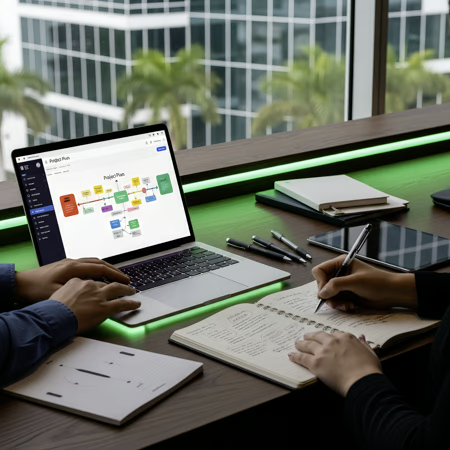
We define a clear project plan aligned with your budget, timeline, and objectives.

We build high-performance websites and platforms optimized for SEO and conversions.

We launch and optimize your digital presence from Plantation, serving South Florida.
These are SENAVIA clients speaking for themselves in their Google reviews. Look at how they talk about communication and follow-through, the two things that decide whether a team adopts an admin panel.
 Jesus Avila Apr 2026
Excellent collaboration with Senavia Corp! They performed a fantastic job realizing my idea for my website. Everything is tidy, polished, and precisely how I wanted it. I would especially like to thank Sebastian for his assistance during this process. He was understanding, patient, and responsive. Strongly suggested!Review on Google
 Ana Garcia Jan 2026
Sebastian y su equipo son expertos en páginas web. Su conocimiento y profesionalismo los hacen los mejores! Tienen nuestra recomendaciòn.Review on Google
 Noel Rodriguez (Inspector Bros) Nov 2025
We just partnered up with Sebastian to create our website and couldn’t be any happier with all his help, professionalism, attention to detail and creativity. He made the whole process extremely easy. Helped us each step of the way to locate and create the entire website. We will certainly continue to work with Sebastian and his team in the future. Highly recommended!!Review on Google
 Lucas Berdugo Nov 2025
Sebastian is very professional, very patient and knowledgeable. I recommend his services hands down. You won’t regret it.Review on Google
 Ninoska Diaz Caballero Aug 2024
Working with Senavia has been a good experience, knowing that you are in the hands of experts who will design your website exactly as you thought, they help you with very positive ideas with a very satisfactory final result. I recommend them 100%. Thank you. Senavia!Review on Google
 INTERCREDIT SOLUTION May 2024
Excelente servicio muy profesionales, los recomiendo 100%Review on Google
 Alejandro Gutierrez May 2024
I had the pleasure of working with Senavia and especially with Sebastián, the owner of the company. They provided exceptional Community Management services for my business. Sebastián and his team were professional, efficient, and always attentive to our needs. Their expertise and dedication significantly improved our community engagement and overall management. I highly recommend Senavia to anyone looking for top-notch Community Management services. Thank you, Sebastián, for a job well done!Review on Google
 Janyer Pino May 2024
Excelente profesional, recomiendo ampliamente los servicios que suministra Sebastián y su equipo de trabajo. Si quieres ampliar tu cartera de clientes es la persona que debes contactar.Review on Google
 Jaknery Valero Apr 2024
Excelente trabajo! Fue mucho mucho de lo que estaba buscando! GraciasReview on Google
 ANGELICA CASTILLO Mar 2024
Me encanto la página que me hicieron, muy profesionales en su trabajo.. y lo que me gustó que siempre al servicio del cliente totalmente 100% recomendados.Review on Google
 Mayela Reyes Oct 2023
Wanted to share how satisfied I am with Senavia Corporation!! Highly recommend to take your business to another level! Excellent service Sebastian!Review on Google
 Caleb Rojas Oct 2023
Amazing service! Highly recommend! Sebastian is always on top of things!Review on Google
 Gabriela Calles Da Silva Oct 2023
Excelente compañía sus website son espectaculares, trabajo impecable y profesionalReview on Google
 Fernando Morales Oct 2023
Excelente servicio entregado por Sebastián y su compañía. Comunicación fluida y permanente preocupación. Profesionales en todo aspecto. Recomendable al 100%Review on Google
 Mercedes Zulueta Aug 2023
If someone is looking for digital marketing? The Senavia company has the solution. Great job and thanks Sebastian 💯Review on Google
 Iris Seguí Aug 2023
Excellent!Review on Google
 Evelyn Ferriol Aug 2023
Very knowledgeable about marketing strategies and effective lead generation for your business!Review on Google
 Jorge daniel Heredia May 2023
Excellent and fast services. Sebastian was my heroe. Everything perfect. Thanks to all your team. Great jobReview on Google
 Mary Delgado Feb 2023
Highly recommended!!! The best in web design, super professional and friendly. Sebastian's guide was very reliable and satisfactory.Review on Google
 Juan Manuel Palacios Valencia May 2022
Fantastic service. My expectations were exceeded! Highly recommendedReview on Google
 Marlon Zubizarreta May 2022
Great service , I totally recommend this company and SebastianReview on Google
 Diego Colonia Apr 2022
Snavia corp went far beyond my expectations. I’m very happy. High quality work at a very competitive price and excellent service.Review on Google
 Luis Miguel Rodriguez Herrera Nov 2021
Un excelente trabajo y muy profesionales, también mostraron paciencia. En general es una excelente empresa de páginas. Se le recomendó.Review on Google
 David Arce Feb 2021
Senavia Corp. has definitely exceeded my expectations. They have done a professional job with all my web design needs. They go the extra mile to satisfy all ideas and targets for our business development. I highly recommend Senavia Corp.Review on Google
 Zen en Movimiento Feb 2021
Estoy muy satisfecho con el desarrollo de mi sitio web por parte del equipo de Senavia Cop. Desde el primer momento me di cuenta de su profesionalismo al ofrecerme una explicación de cómo era la gestión y producción del desarrollo de mi sitio web. Realmente estoy muy contento con el trabajo que me han entregado, ya que en cuanto al Diseño, rendimiento y contenido del website es muy profesional.Review on Google
Begin with a read-only dashboard your team trusts, then add editing, approvals and exports once the figures match the source.
(954) 706-4084

