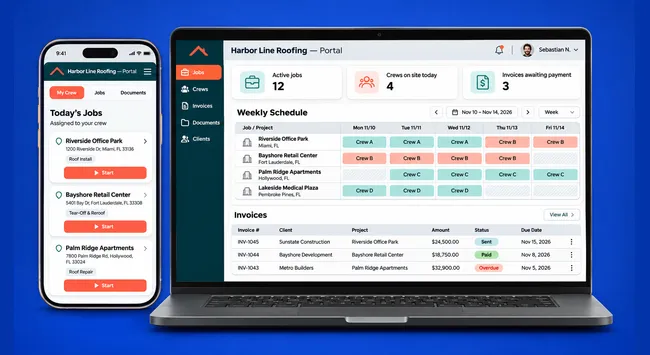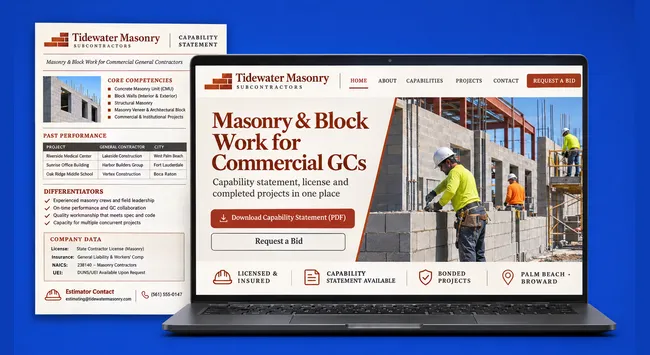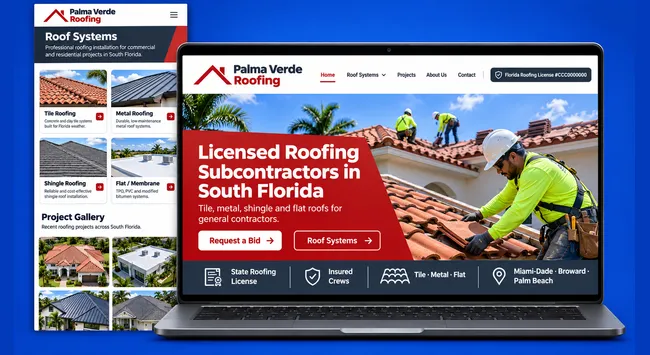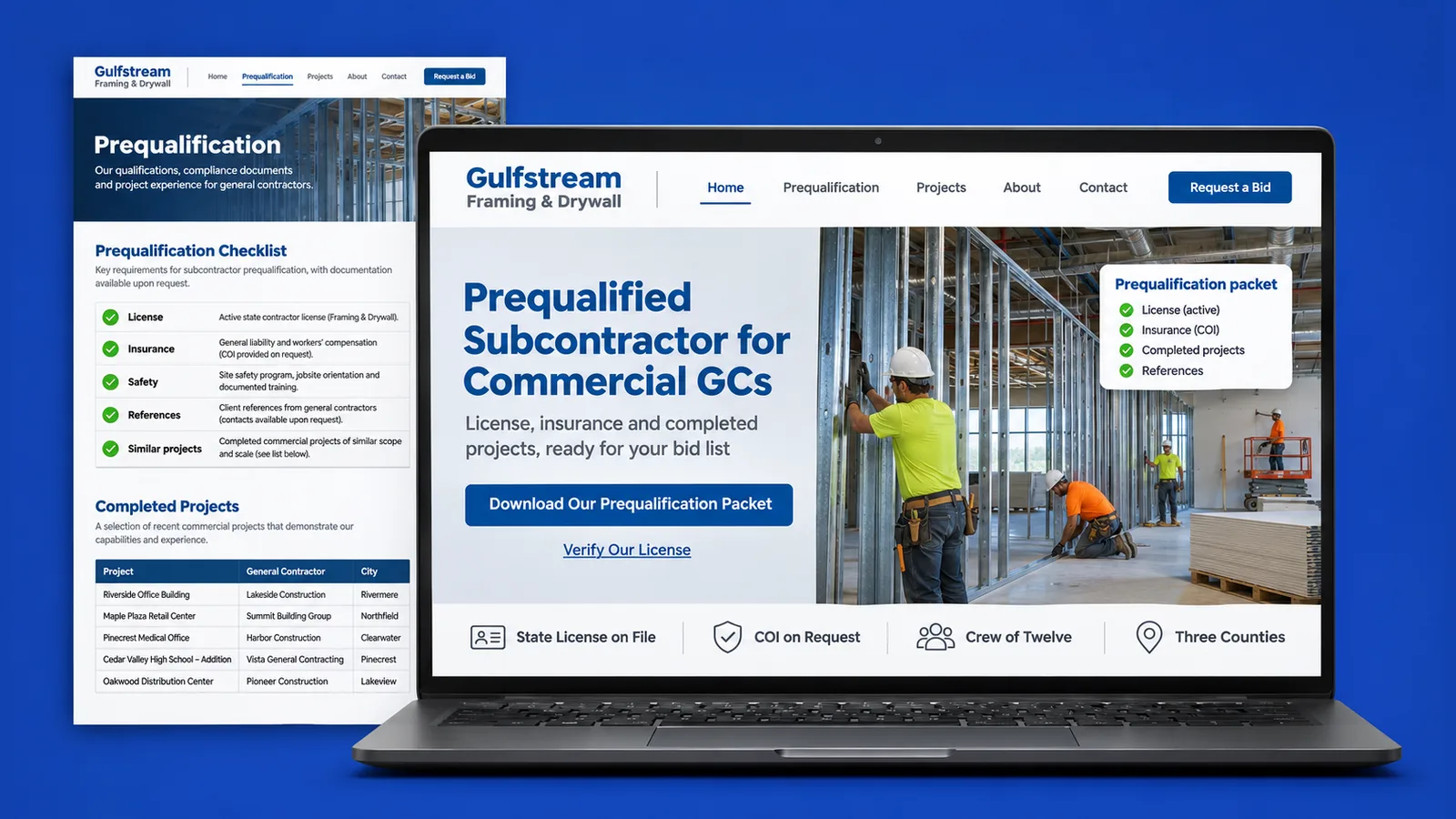
Before a general contractor (GC) sends plans to a subcontractor, someone in the office opens a browser and checks a short list of facts. When the answers are hard to find, the invitation to bid can go to the next name on the list. This guide turns that routine into a subcontractor prequalification checklist for Florida and shows where your own website should answer each item. It comes from SENAVIA, which develops the panel that a Florida contractor doing general and roofing work uses to manage its subcontractors (GQM Connect, shown only with sample data).
Is your license active, and in what category?
A GC can look you up in the Florida DBPR's public Verify a License service, which checks whether a business or profession is licensed. The category matters: per the DBPR's construction industry FAQ, a certified license is valid anywhere in Florida; a registered license is valid only in the county or city that issued it.
The same FAQ adds that a registered contractor may also work in adjoining places that accept the registration, so it is worth saying which kind you hold. Counties add their own paperwork. In Miami-Dade, the Construction Trades Qualifying Board has authority over the types and scopes of county contractor licenses, and its page lists the Certificate of Competency. In Broward, the Building Code Division handles contractor licensing, including the application for a Certificate of Competency. In Palm Beach, the county's contractor certification page defines a Certificate of Competency as a county-issued contractor's license.
Your website can answer this in one line: the license number, whether it is certified or registered, the county certificate if you hold one, and a link to the state lookup so the GC does not have to hunt for it. Keep the business name on the site identical to the name on the license; a mismatch is the kind of small thing that can send an estimator back to email. If you work in Miami-Dade, our page for Hialeah in Miami-Dade County shows how a local page can carry that detail.
What insurance do they ask for, and how do you show it?
Most GCs ask a subcontractor for a certificate of insurance (COI), the document an insurer issues to show which coverage is in force. That usually means general liability and workers' compensation. A COI is normally handed over on request, so a site only needs to say what you carry and make asking easy.
Do not post a scanned certificate and forget it: coverage is renewed, and an outdated page is worse than none. Instead, list the coverage types in plain words, name the insurance agency if you like, and add a short request link or button that sends the message to whoever issues certificates at your company. A GC that wants the paper can have it the same day, and one that only wants reassurance gets it at a glance.
On a multilingual site, write the coverage names in English even on the Spanish page. GCs and insurers use the English terms, and a Spanish-speaking owner can still explain them in a call. See how SENAVIA builds websites for subcontractors.
Have you done similar work before?
A license number cannot show past work. A GC usually wants to see jobs close to the one it is bidding: the same trade, a similar kind of building, a comparable scope. The site should show finished jobs with a photo, the scope, the city and the type of project, not a general gallery with no captions.
Organize the gallery by trade and project type. Name the scope you performed, not the whole building, and say where the job was. If a GC or owner asked not to be named, leave the name out and keep the description. Ask for permission before you publish a photo of someone else's site.
Find out what your website tells a general contractor. We review it as an estimator would, in English or Spanish.
How big is your crew, and which counties do you cover?
A GC needs to know that you can staff its job on its schedule and that you work where the project is. Say how many crews you run, what each self-performs and how many jobs you can take at once.
Coverage deserves its own section. A single "South Florida" line makes an estimator guess. List the counties you serve and link each to a page that names the cities you work in. A Broward job in Davie and a Palm Beach job in Delray Beach are different trips and different permit offices. Pages such as our page for Davie in Broward County and our page for Delray Beach in Palm Beach County show the pattern: one place, its county, the documents a local GC expects to see.
To help these pages get found in search, read about SEO for contractors.
How do they send you the plans?
A bid request is useless if it cannot reach your estimator with the drawings attached. The site should offer a form that accepts files and asks for the project name, the GC, the scope and the bid deadline. The deadline matters most: a request that arrives without a date is easy to lose in an inbox.
Make the form short and tell the sender what happens next, for example who reads the request and how soon you usually answer. Offer a second path for files that are too large to upload, such as a link to the sender's shared folder, and an email address as a fallback. Test the form from a phone.
Route each submission to a person, not to a generic inbox, and keep a record so that a request does not disappear when someone is out.
A separate guide covers how to put a bid request form that accepts plans on your own website.
What does a GC see on your site in 30 seconds?
An estimator comparing several names rarely reads every page. In about half a minute, it can usually confirm the basics if they are in plain sight. Put this checklist where a first-time visitor sees it, on the home page and again on the bid page:
- License: the number, certified or registered, the county certificate if you hold one, and a link to the state lookup.
- Insurance: the coverage types you carry and a one-click way to request a current COI.
- Similar work: finished jobs by trade, with a photo, the scope and the city.
- Crew: how many crews you run and what you self-perform.
- Counties: the counties you cover, each with its cities.
- Plans: a bid form that accepts files and asks for a deadline.
- Contact: the name of the person who handles bids, a phone number and an email address.
- Languages: the languages your office works in, since a crew foreman may prefer Spanish.
Nothing here needs a clever design. It needs plain text, in the right order, kept current. Find out what your website tells a general contractor and we will mark each line as present, hard to find or missing.
Passing that first look is one piece of a larger picture; the rest is in our guide on how subcontractors get more bid invitations online.
Frequently asked questions
Does my website replace the state license lookup?
No. The state lookup is the official source, and a GC can use it to check you independently. Your website should make that check quick by showing the number and the category and linking to the lookup.
Should I post my certificate of insurance online?
Usually it is better to state your coverage types and offer a way to request a current certificate. A posted copy can go out of date when a policy renews, and the GC will normally want a fresh one for its own file anyway.
Can a bilingual site help with prequalification?
It can. A GC's estimator may read English while your owner or foreman works in Spanish, so each page can carry both, with license, insurance and bid terms kept in English where the industry uses them. A GC that sees the whole picture in one place may need fewer follow-up emails.